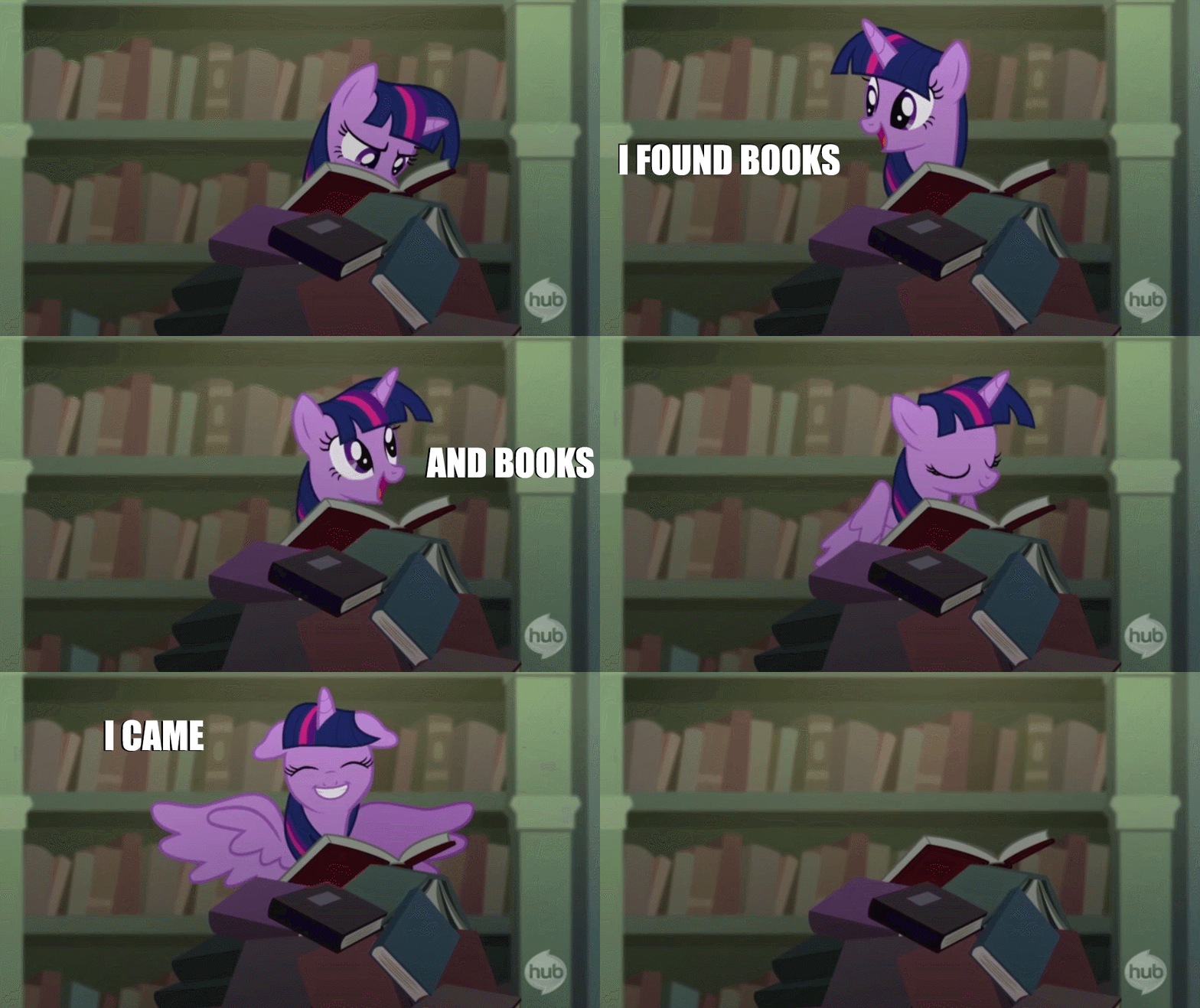
***Question About Adding Gifs Or Images To Goodreads?!?**

Hello lovelies!!! I am trying to add a GIF to my Goodreads reviews and I don’t even know if it’s possible. Can someone help a sista out?! Can I even add GIFs? I want my Goodreads reviews to look neato and shit so help me out guys and give me some feedback if you have any advice! You guys are the BEST!💖💙💚💛💜

Responses

  1. I have no clue. I’m not the most tech savvy one around here. I bet you’ll get some tips from others though. Sorry. 😕

    Liked by 2 people

    1. No worries! Lol. I’m not tech savvy either!😨

      Liked by 1 person

  2. I have no idea either, but I am interested in finding out the answer.

    Liked by 1 person

    1. Still trying to figure it all out myself Sandy!😊

      Like

  3. I’m hoping the coding will show up in the comment. If you can’t see it, let me know and I’ll try again!

    Just replace image-link-here with the link to the image and take out the asterisks at the beginning and end of the code. That should do it!

    Liked by 1 person

    1. It won’t show it sweetheart maybe you can throw an astric in there so it will be off a little. Thanks so much for your help!!😊

      Liked by 1 person

      1. Trying this again. If it doesn’t work then I may have to find an image of the code lol. So sorry!

        The width must be 0-400 and the height must be 0-1000. Alt is the description of the image. All of them are optional but recommended.

        Liked by 1 person

        1. Okay that didn’t work again. Here’s a link that should go right to how to do it rather than trying to make this work!

          Goodreads Add Image to Review

          Liked by 1 person

        2. I think I figured it out sweetie!!! Yay!!!💖💙💚💛💜

          Liked by 2 people

  4. I’ve always want to do this but too lazy to do the steps… I think having a photobucket account can be helpful. :):) 🙂

    Liked by 1 person

    1. Thanks so much Lili for sharing! I was too lazy until now to figure it out. LOL

      Liked by 1 person

  5. I think I might know! You need to right mouse click on the gif you want and “copy link address.” Then if you look in the review you’ll see a cheat sheet for how to add images. Use that coding and it *should* add the gif.

    Liked by 1 person

    1. Thanks for all your help! I think I figured it out yay!

      Liked by 1 person

  6. Hi 😀 I went on Google and found this : https://www.goodreads.com/topic/show/1726806-how-to-post-a-gif
    Hope this helps, it seems easy enough (although admittedly I’m a complete noob when it comes to technical stuff lol). But as your blog looks way cooler than my own, you are more technical than me. Anyway: think this is a good enough article. Have a great day 😘❤️

    Liked by 3 people

    1. Ohhh thank you for the link! 😀

      Liked by 2 people

      1. No problem, you are very welcome 😊

        Liked by 2 people

    2. Thanks so much Michel!!!!😍 You are the BEST sweetheart! xoxoxo

      Liked by 2 people

      1. You are very welcome. I hope it helps 😘❤️ Erm…just letting you know that all of a sudden, just like Vinnieh’s comments, they are not sharing up in my notifications for some weird reason. Hope this doesn’t mean that you are now experiencing the same problems but thought you should know at least.

        Liked by 1 person

        1. Well shit… Are they still not showing up?

          Liked by 1 person

          1. Yay 🎉🎉🎉🎉They are showing up again, woohoo 😀😀
            Must have been a temporary glitch 😊😊

            Liked by 1 person

      1. No problem, hope it helps 😀😀

        Liked by 2 people

      2. He’s so helpful. Unfortunately my ass still can’t figure it out! Lol.

        Liked by 2 people

        1. Haha😂😂 If I have some time later this week, I’m going to try and find out if I can get it to work, or find something else for you. Will do my best 😊😘

          Liked by 1 person

            1. Nice: I’m very glad to hear that. Happy that you managed to figure it out 😘❤️

              Liked by 1 person

  7. Haven’t taken the time to figure it out myself so I’m not help but good luck. 🙂

    Liked by 1 person

    1. Lol I have been trying on and off all day and I can’t get that shit down and I think I deleted a review. LOL 😂

      Liked by 1 person

      1. Uh oh, although that sounds about like what would probably happen to me. LOL

        Liked by 1 person

  8. –A Court of Books– Avatar
    –A Court of Books–

    Hi there! It is very possible as I do it all the time ^^ it has to be a gif or image already online though 🙂 let me know if the link you’ve been given is not enough and I’d be happy to help 🙂

    Liked by 1 person

    1. Hey there!😊 I have been trying to figure it out using the links from Giphy.com and then I tried html with the the info provided and still no luck. I would love if you could help me as well and I appreciate you visiting my blog! My e-mail address is daniellepirok88@gmail.com if you want to email me about it! Thanks so much again!

      Like

    2. I think I figured it out! Yay! Thanks for your help!🤗😘

      Liked by 1 person

      1. –A Court of Books– Avatar
        –A Court of Books–

        Okay, sorry I didn’t have time to help before you figure out :/

        Liked by 1 person

        1. Oh no problem at all!😊 I thank you so much for your offer and leaving some love on my blog!😊

          Liked by 1 person

  9. You want to add GIFs to your Goodreads review? I don’t even know how to add GIFs on my blog posts.

    Liked by 2 people

    1. Lol. Well since I use my tablet and phone for everything. I download the Giphy app and download/save the image and upload it into my post.😉

      Liked by 3 people

      1. Oh it’s that simple I didn’t know hat. Well, thanks for the tip 🙂

        Liked by 1 person

        1. You’re welcome sweetheart!💖💙💚💛💜

          Liked by 1 person

  10. Ive exchanged my goodreads reviews for WP, i still use GR just to keep track of what i am reading

    Liked by 1 person

    1. I use my blog, Goodreads, Instagram,Twitter, Tumblr,Amazon and Litsy. Lol. Just the more you spread the word the more it makes authors and publishers happy and helps approval sometimes with getting ARCs and helps build traffic on your blog.😉

      Liked by 1 person

      1. I dont have as much time for all those things…

        Liked by 1 person

        1. I understand. I just copy and paste. Lol.

          Liked by 1 person

  11. Beware Of The Reader Avatar
    Beware Of The Reader

    Well maybe now you have all your answers if not I will add the coding here and hope it will show up Dani (I made a word doc for me LOL “Coding pour insérer un GIF sur Goodreads (ou ailleurs)

    Exemple:

    Liked by 1 person

    1. hehe. I don’t know why it doesn’t show up!😢

      Liked by 1 person

  12. Beware Of The Reader Avatar
    Beware Of The Reader

    Damn!!! sendin you a message as the comment does not show up!

    Liked by 1 person

      1. Beware Of The Reader Avatar
        Beware Of The Reader

        Emailed 😉

        Liked by 1 person

        1. Thanks for all your help Sophie! I think I got it for the most part now! Yay!

          Like

    1. It’s crazy the message you sent me turned out all crazy!😢 Thanks so much for trying to help me!😊 You’re the best!😍

      Like

  13. I sadly have nothing to offer Dani, as I’ve never been able to figure it out.😕

    Liked by 1 person

    1. Thanks anyways Book Sister!😍 I hope you’re doing well and the migraines calmed down a little bit!😢

      Liked by 1 person

  14. Ha…I’m so on this bandwagon. I can’t figure it out for the life of me. I’ve tried so many tutorials and still nothing.

    Liked by 1 person

    1. I figured it out by joining photo bucket and looking at goodreads formatting tips

      Like

      1. I’ll have to dig up my old username for photobucket, I haven’t used it since Myspace was the go to social platform.

        Liked by 1 person

        1. I figured it out!😍 Thanks so much for your help, Cia!💖

          Liked by 1 person

  15. Have you put the question up on any of the Goodreads threads?

    Liked by 1 person

    1. I think I figured it out! Thanks so much for your feedback Sandy. I looked at the formatting tips on Goodreads and had to make sure to go to the desktop version and joined photobucket lol

      Like

  16. […] • Beth @ Reading Every Night • Susy @ Susy’s Cozy World • The Orangutan Librarian • Dani @ Touch My Spine • Astrid @ Vanilla & Spice Books • Astronima’s Reviews & Clutter • Evelina @ […]

    Liked by 1 person

    1. Thanks so much for thinking of me, Sophie!😍

      Like

  17. Use HTML! Here you go: https://www.w3schools.com/html/html_images.asp
    I used to do alot of coding for my blog and Goodreads, so I was quite good at it! Let me know if it works 🙂

    Liked by 1 person

Leave a comment

From the blog

About the author

Sophia Bennett is an art historian and freelance writer with a passion for exploring the intersections between nature, symbolism, and artistic expression. With a background in Renaissance and modern art, Sophia enjoys uncovering the hidden meanings behind iconic works and sharing her insights with art lovers of all levels. When she’s not visiting museums or researching the latest trends in contemporary art, you can find her hiking in the countryside, always chasing the next rainbow.